Check the right permission.
Explore staff lists, resident permits, booked visitors and delivery windows. Connect to an approved source, with a route to a person when details do not match.
ANPR + parking intelligence
Read the plate. Check the permission. Join up the visit. Explore how number-plate recognition could add useful context to entrances, exits and time on site.
01 / Follow the visit
Choose a scenario and follow the checks. Pause at any point, step through each event, or adjust the example allowance to see how the result changes.
Interactive simulation. All plate readings, permit records and times are scripted. This page does not perform OCR, connect to cameras, operate a barrier, take payments or issue charges. The gallery’s image annotations are separate illustrations, not matched entry/exit evidence.
A visitor has no listed permit. The example site allows a free stay, measured from entry to exit.
A drawn camera view makes the reading stages visible. The plate text is predefined, including the deliberate I / 1 mismatch in Reading check.
Pending check
Awaiting entry
The illustration shows KL12 BMY. Simulate a person confirming that reading before recording the arrival.
Changing a rule restarts this visit. Active permits cover their own validity window; the free allowance applies to visitors without a permit. The example flags a visit beyond allowance + review grace, or an expired permit. These are adjustable demonstration rules, not a tariff, legal grace period or enforcement policy.
Example day · one visit · stays in this page’s memory
| Plate | Time in | Time out | Duration | Permission | Status |
|---|---|---|---|---|---|
| No arrival recorded yet. Play the demo or use Next event. | |||||
A missing or ambiguous read needs a human check. This example records the departure even when it flags a visit for review; it makes no payment decision and does not restrict anyone’s exit. Choosing another example or resetting clears this sample record.
02 / The useful connection
We begin with the site’s purpose, existing equipment and the people who use it. A focused pilot checks what the cameras can actually read under your conditions.
Explore staff lists, resident permits, booked visitors and delivery windows. Connect to an approved source, with a route to a person when details do not match.
Join entry and exit observations into a visit record. Review free allowances, exceptions and unmatched observations before deciding what should happen next.
Explore handovers into a site dashboard, CRM, booking platform or Google Sheets. Agree secure access, notices, retention and who reviews an exception before launch.
Compatibility depends on camera position, plate visibility, lighting and image quality. Existing equipment is assessed first. This example does not identify a driver or demonstrate measured recognition accuracy.
03 / The example gallery
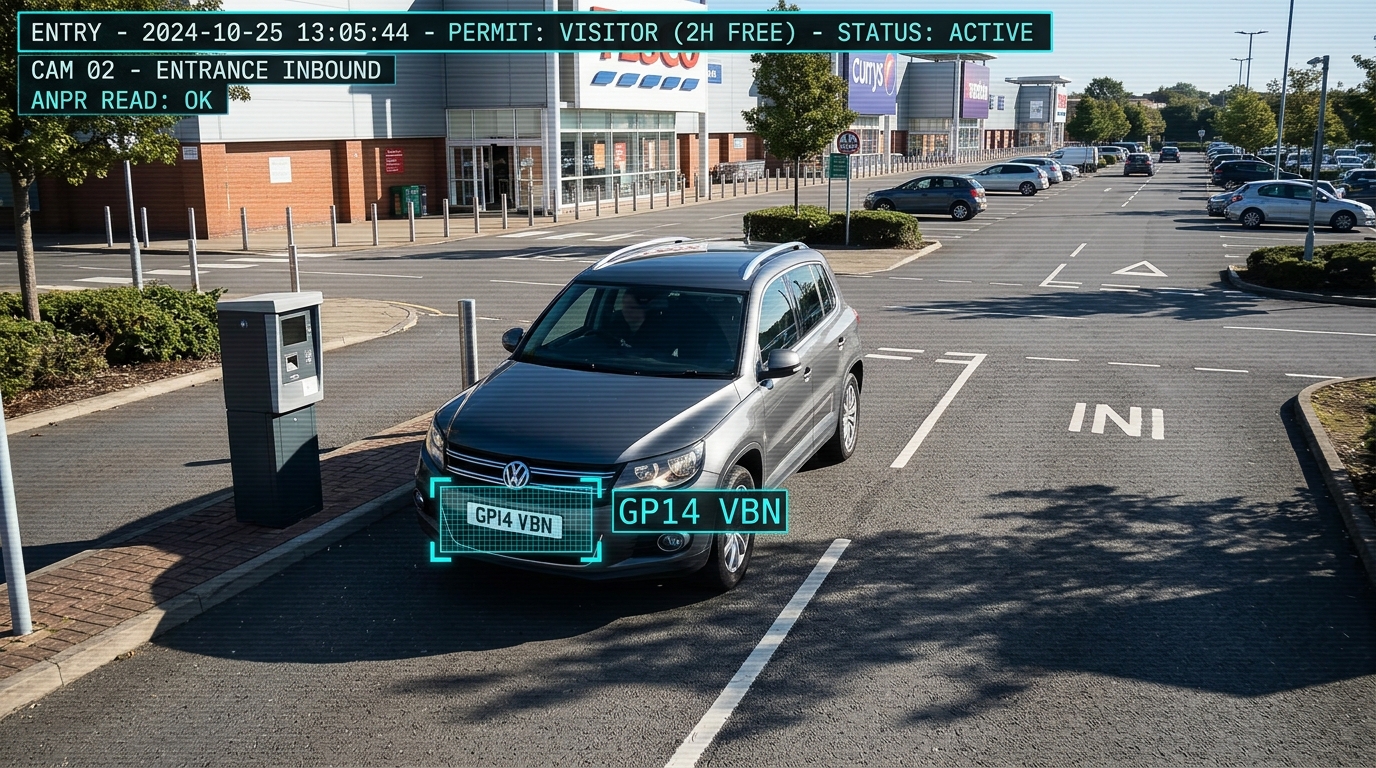
Open an image for a closer look. Use the on-screen icons, arrow keys, Home / End, Escape or swipe to explore the supplied examples.
Supplied illustrative artwork. Plate text, permission labels, times and tariff figures are demonstration annotations. These pictures are independent scenes and are not paired visit records or evidence of actual overstaying.
12 example scenes
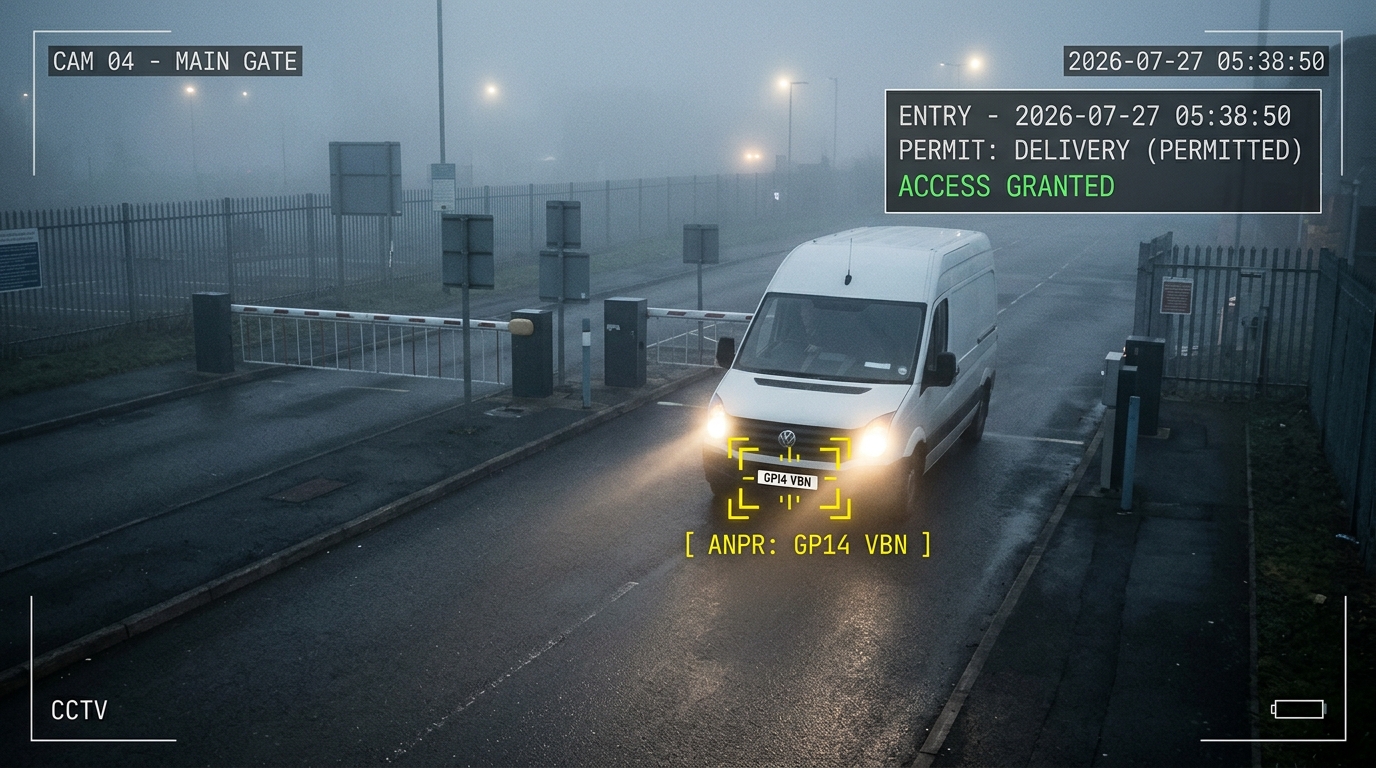 Delivery accessEntry example
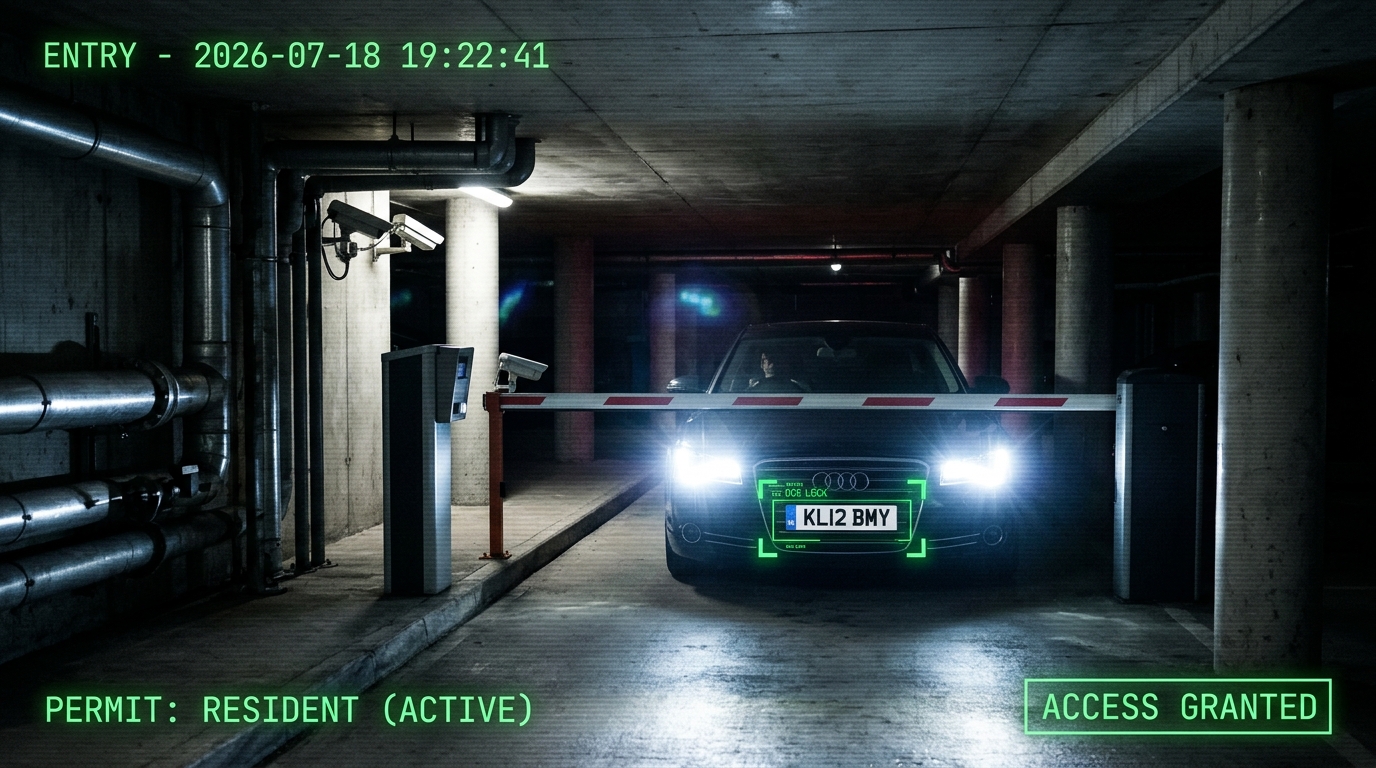 Resident arrivalEntry example
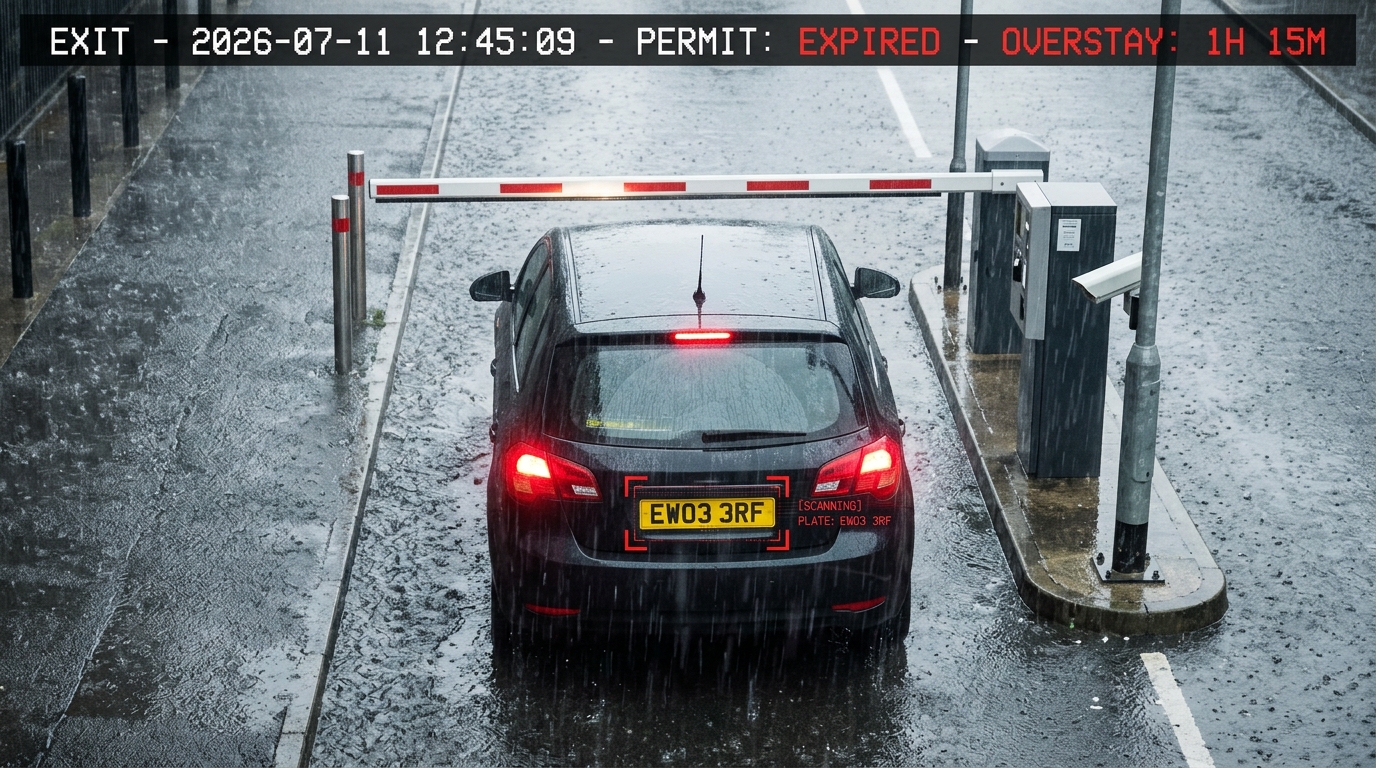 Overstay for reviewException for review
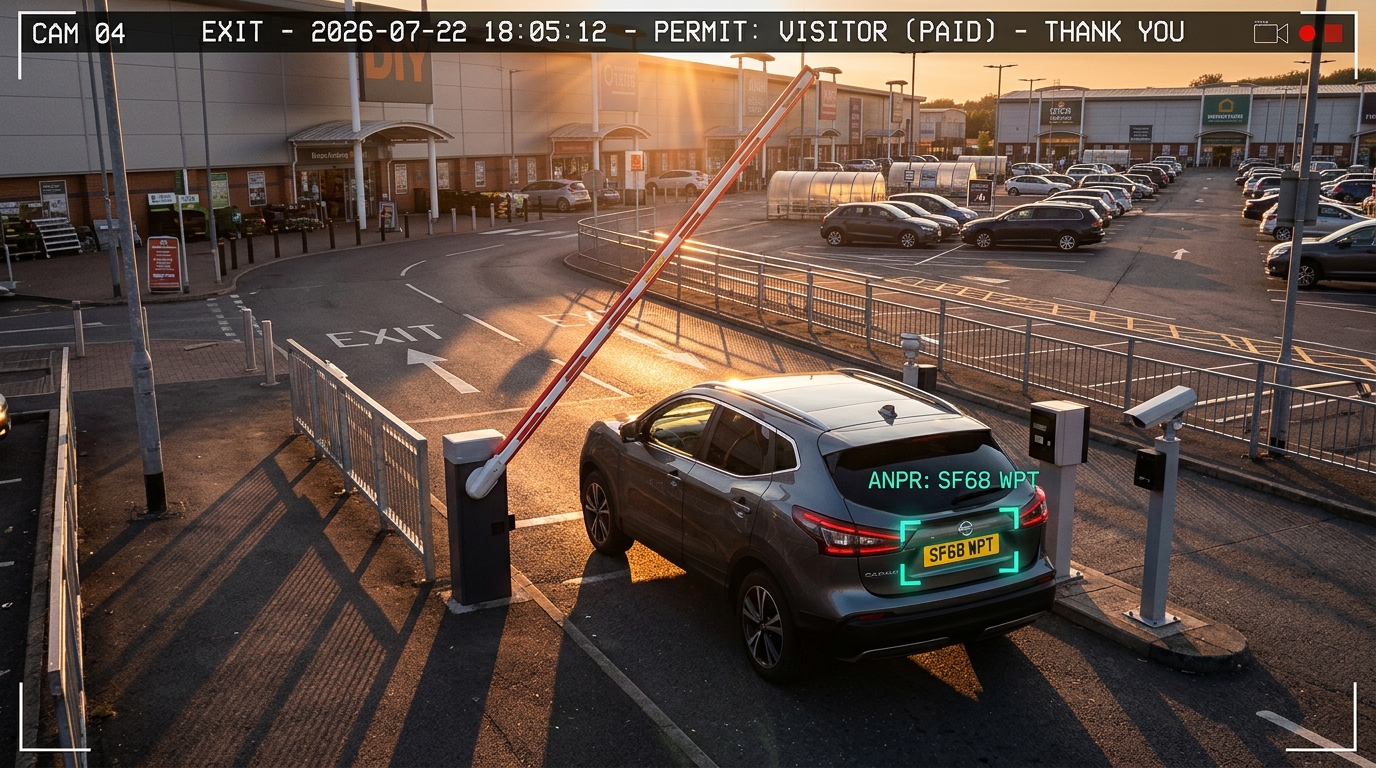 Visitor departureExit example
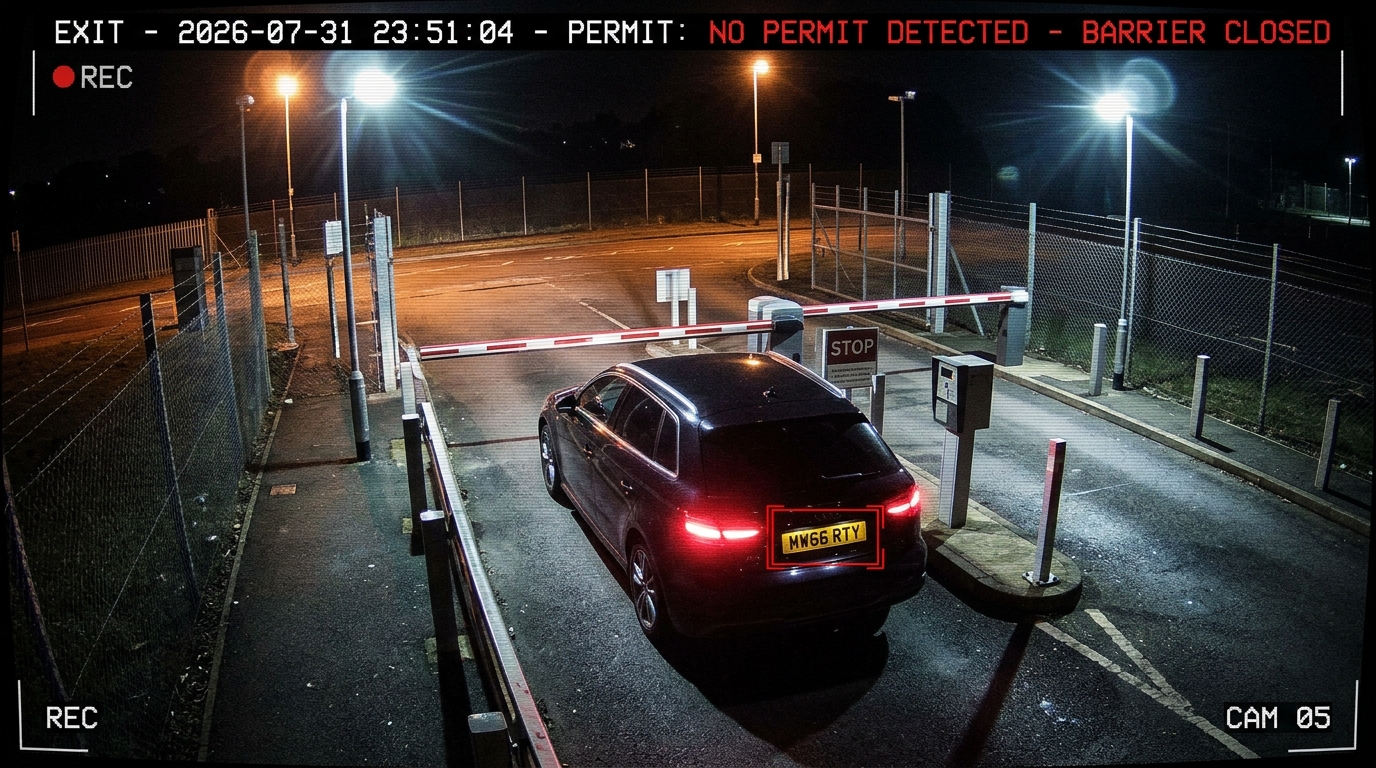 No permit foundException for review
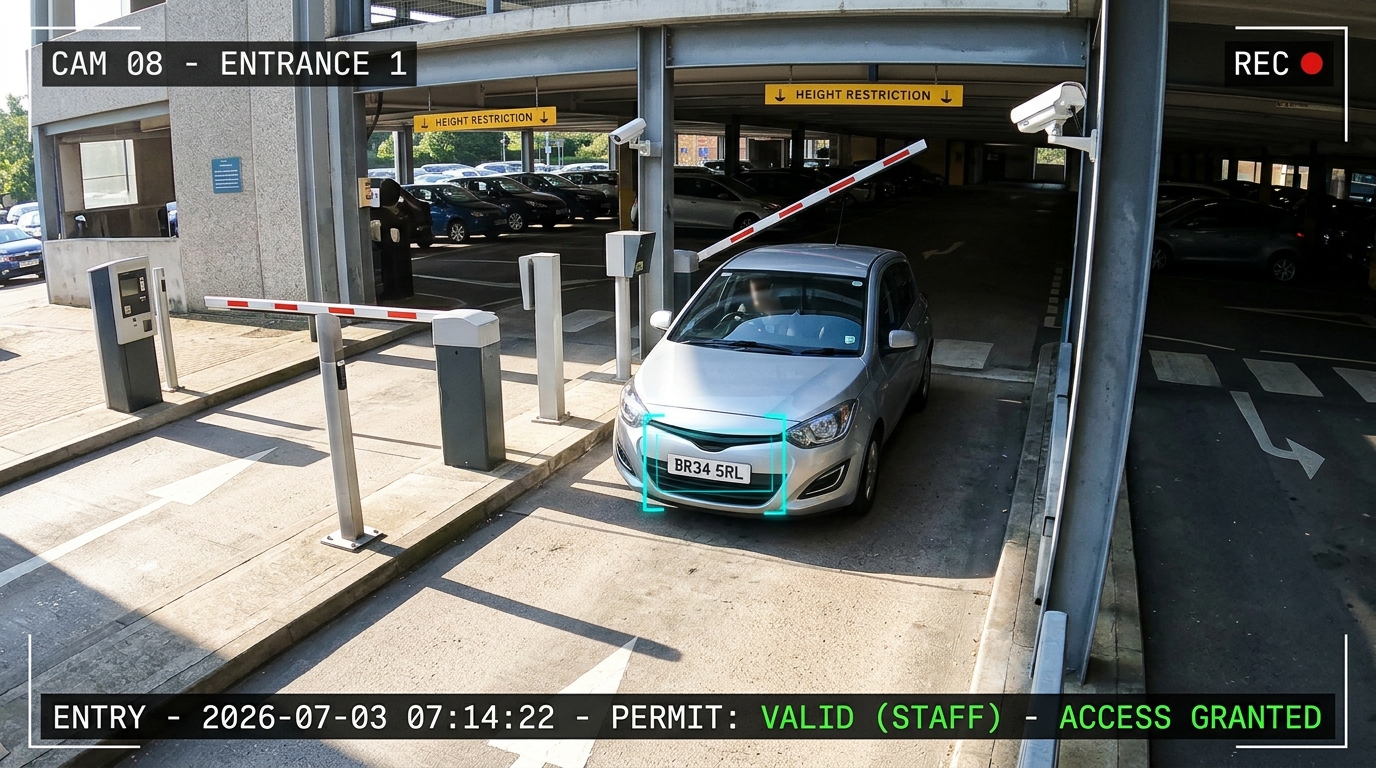 Staff permit arrivalEntry example
Visitor free allowanceEntry example
Staff permit arrivalEntry example
Visitor free allowanceEntry example
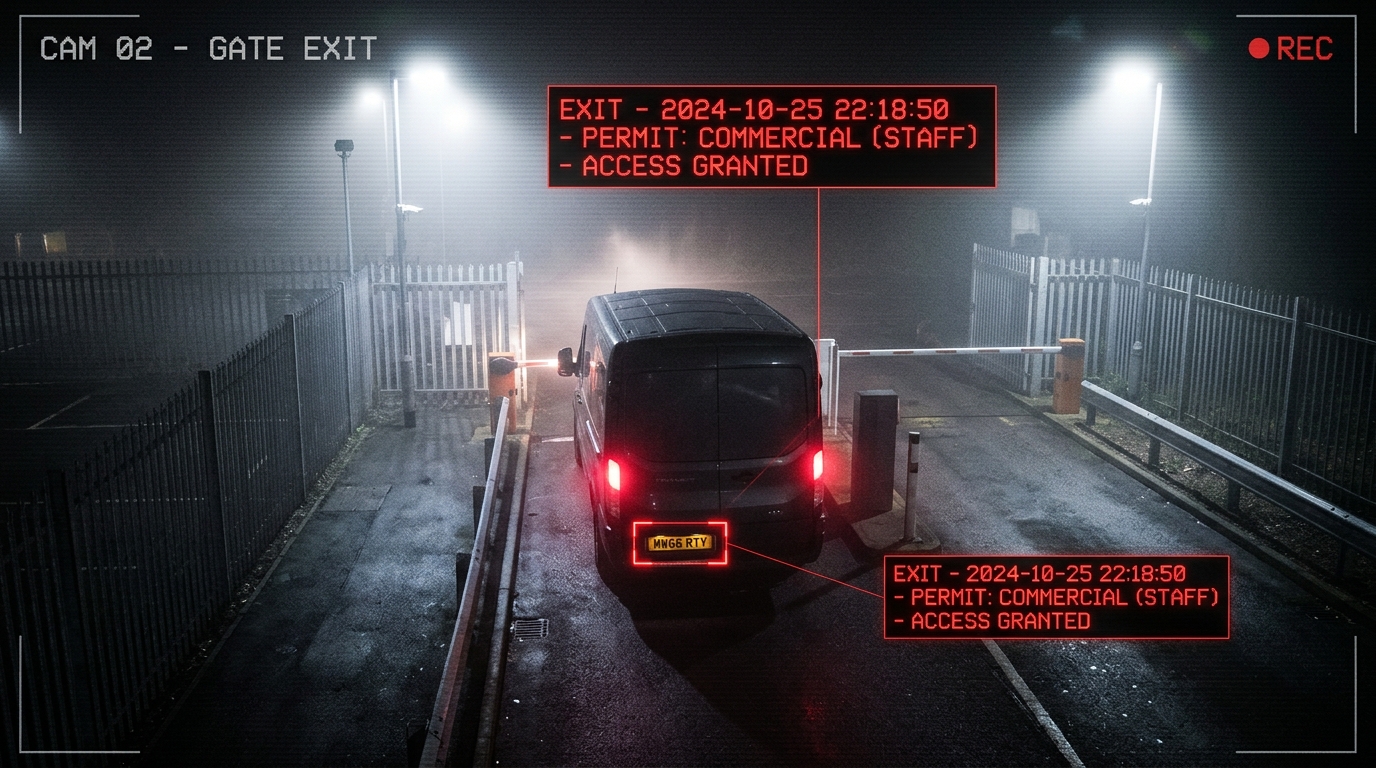 Commercial departureExit example
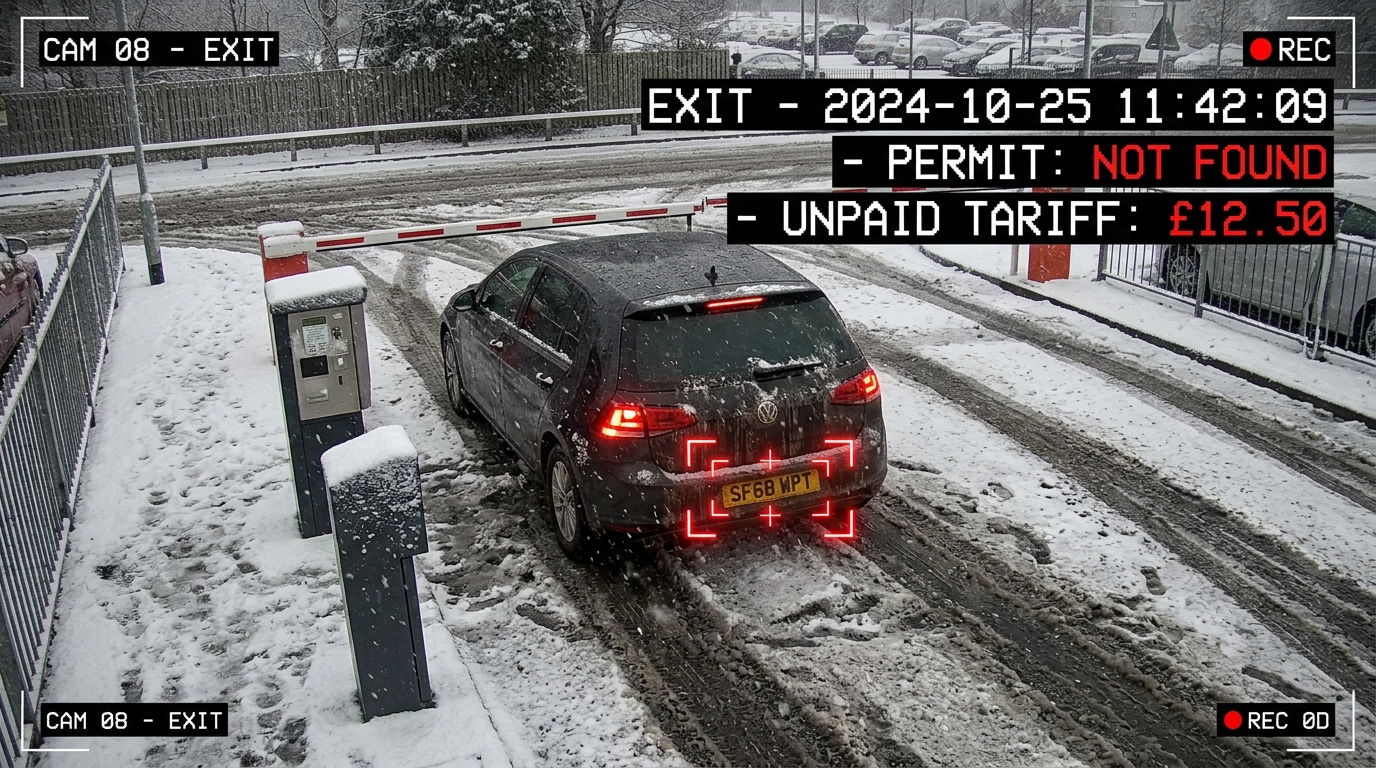 Winter exit reviewException for review
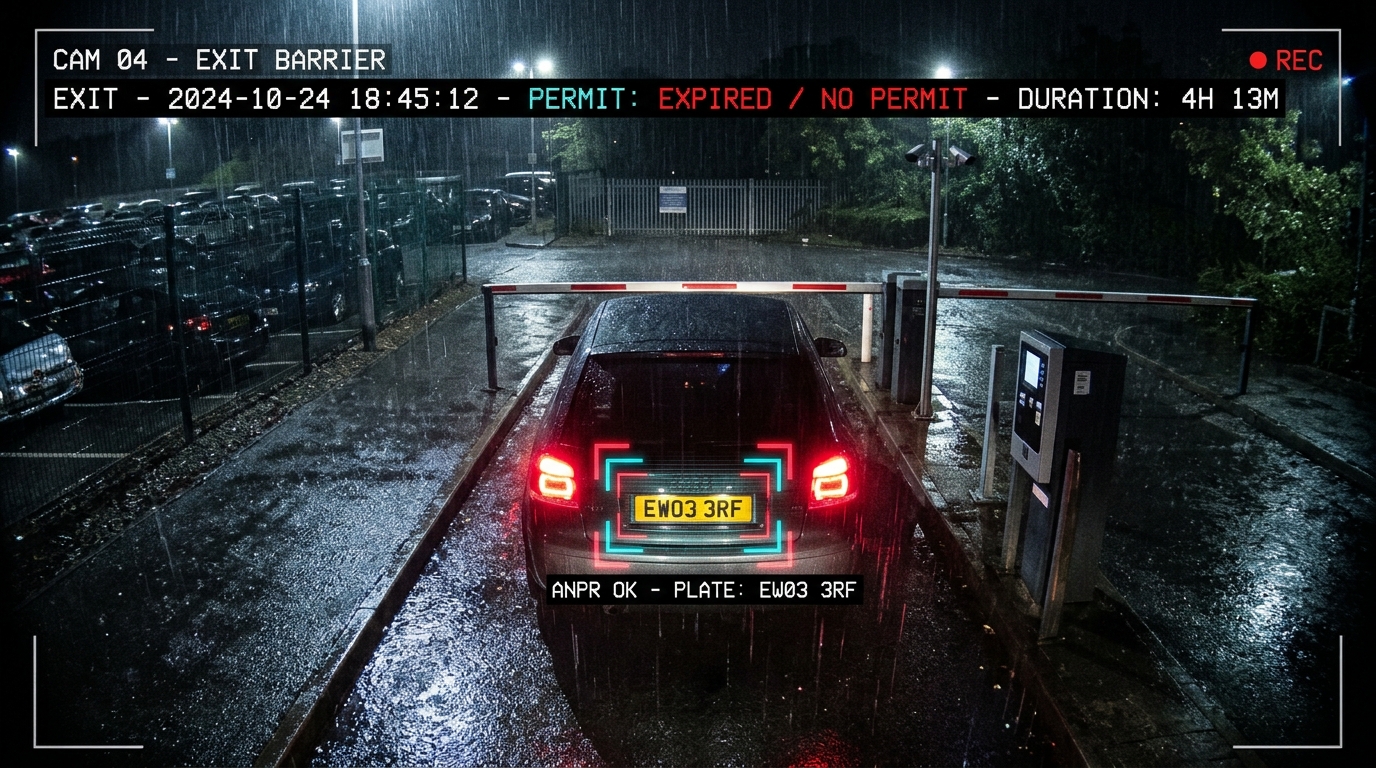 Visit duration reviewException for review
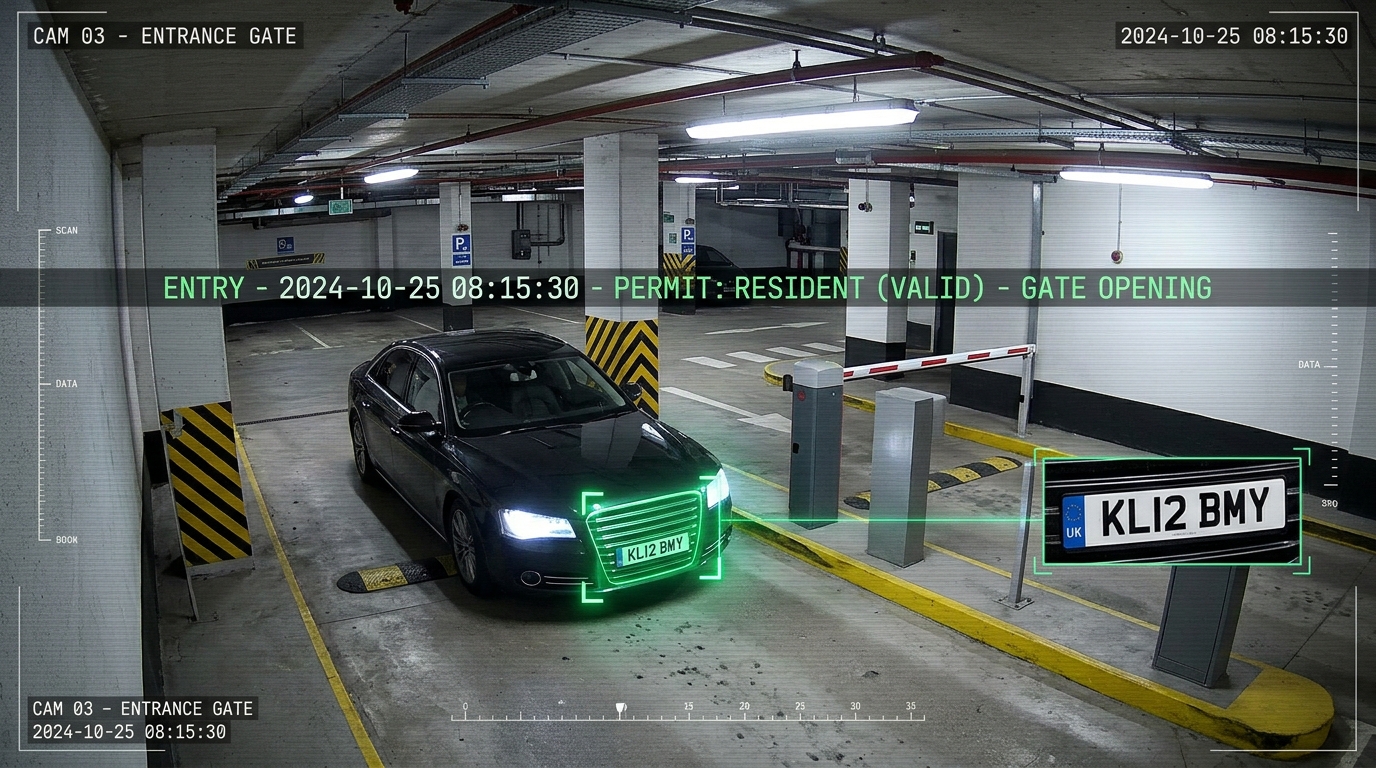 Resident entry detailEntry example
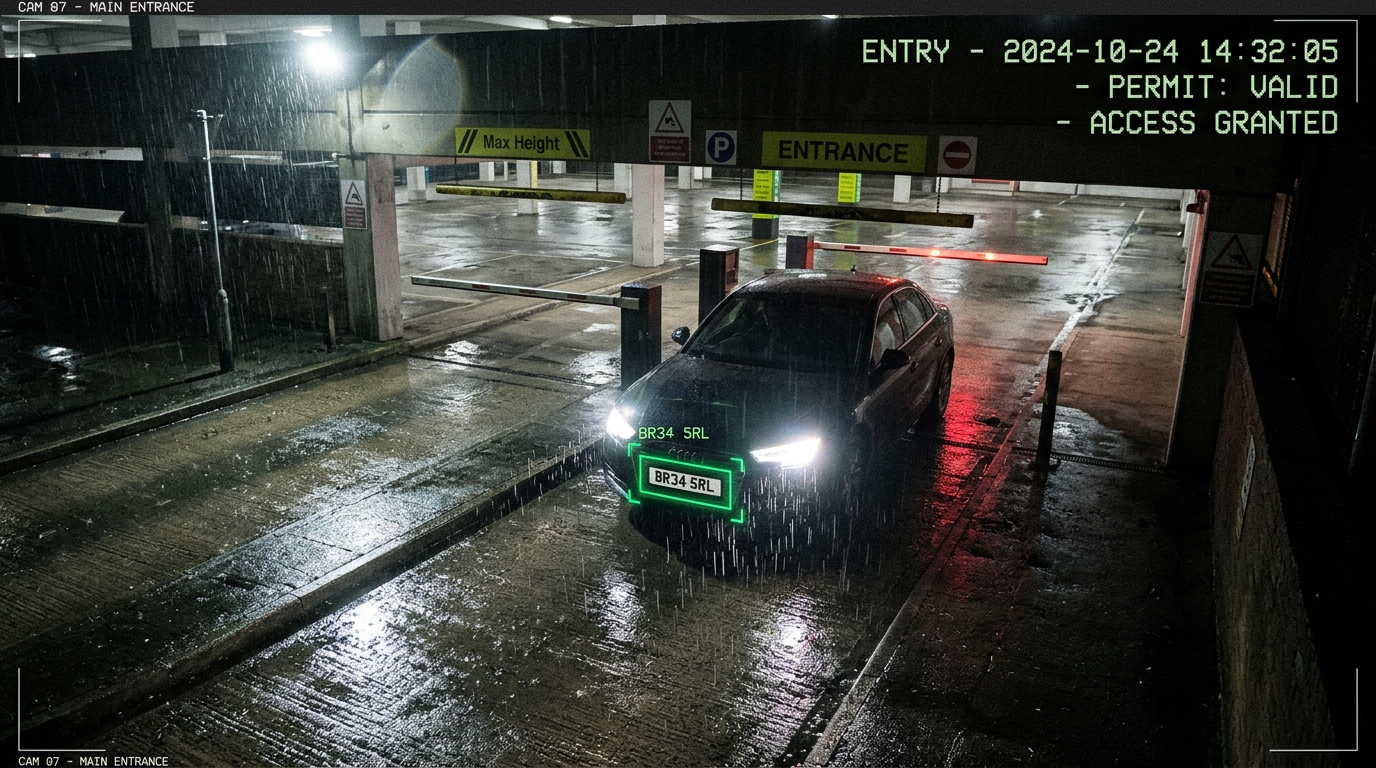 Permit at a garage entranceEntry example
Start with your site