Better service cover
Explore prompts for waiting tables, busy service areas or places that need a team member’s attention.
Notice → check → helpCCTV + useful intelligence
A queue that needs attention. A table waiting for service. An event worth a closer look.
AI can often work with existing CCTV to turn the right moments into useful prompts for your team. We check compatibility first, then build around the service and security cover you need.
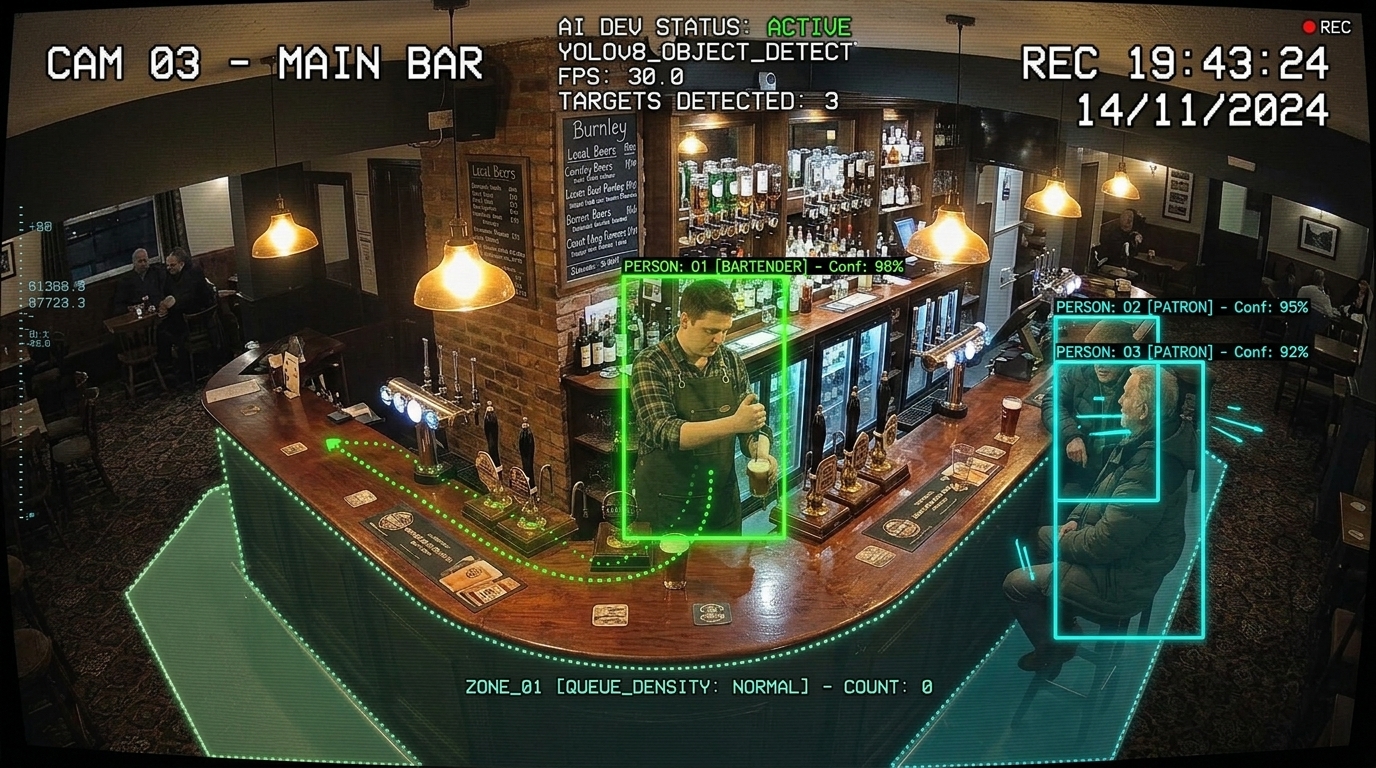
Explore the possibilities
Explore service and security in a hospitality setting, or follow vehicle arrivals, permits and time on site. Both examples are illustrative simulations.
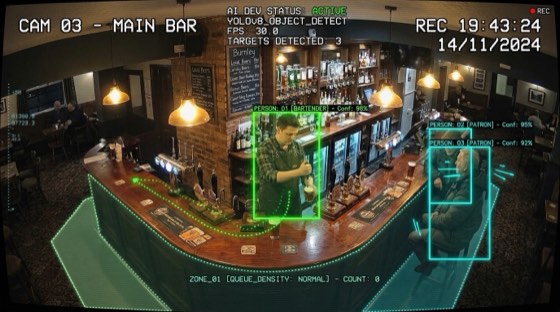
Explore the pub studio’s cameras, service prompts and ten-scene tour.
Open the hospitality studio ↗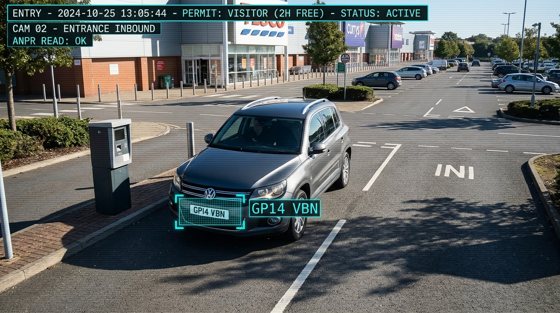
Run a sped-up entry and exit example, change free allowances, check permits and review overstays.
Try the ANPR simulation ↗01 / A clearer picture
Start with one useful question about your premises. Agree what should trigger a prompt, who receives it and what happens next.
Explore prompts for waiting tables, busy service areas or places that need a team member’s attention.
Notice → check → helpUse agreed zones to explore queue lengths, waiting time and changing activity across entrances and service points.
Observe → understand → respondSurface relevant footage around restricted areas or unusual movement, so an authorised person can check the context.
Flag → review → decideAlerts are prompts for review. A camera observation alone does not establish identity, intent or wrongdoing.
02 / Try the example
Explore the supplied PubVision concept, restyled for Open ERP Solutions. Move between cameras, service prompts, events and a timeline, or follow the ten-scene tour.
This is an interactive simulation. Figures, detections, alerts and staff actions are sample scenarios. It is not connected to live CCTV or a real team.
Open the example studioUse the menu to explore all ten views. Demo settings stay in this browser.
03 / See the idea
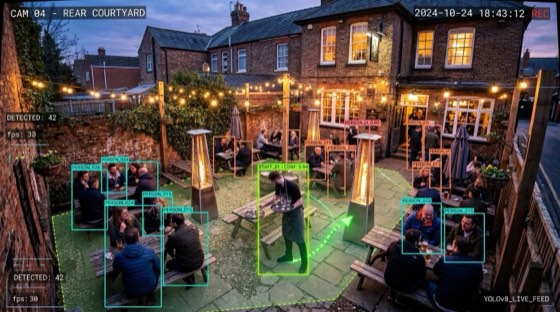
A short illustrative clip shows a pub service scene with tracking-style overlays. Think of it as a way to discuss which moments would be helpful for your own team to review.
9-second supplied demonstration · annotations are illustrative, not verified findings or measured accuracy.
Three more supplied scenarios, each around 10 seconds. All overlays and alerts are illustrative; they are not verified findings about real people or events.
A till-area scenario for a manager to review alongside authorised transaction records. A prompt should surface context, without making a judgement about a person.
Illustrative clip · 10 seconds · sound controls availableA courtyard scenario to discuss how a team could notice breakage, check the area and arrange a safe clean-up.
Illustrative clip · 10 seconds · sound controls availableA stockroom scenario for checking unusual movement against delivery, restocking and access arrangements. The team decides whether anything needs attention.
Illustrative clip · 10 seconds · sound controls available04 / The example gallery
Open a scene for a closer look. Use the arrows, your keyboard or swipe between examples.
Supplied illustrative artwork. The labels, IDs, timestamps and confidence figures shown in these images are demonstration annotations; they are not evidence about real people or events.
15 example scenes
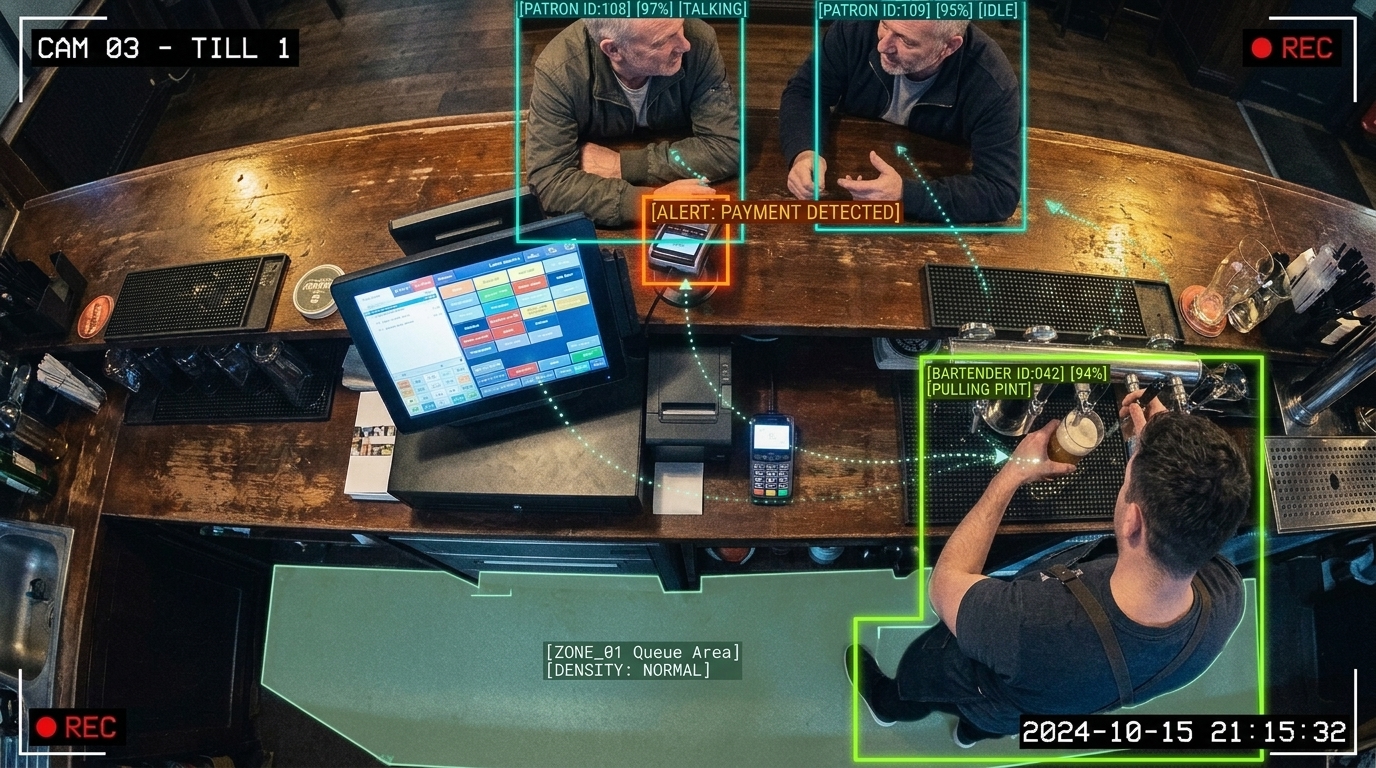 Till and service contextManager review
Bar service flowCustomer service
Till and service contextManager review
Bar service flowCustomer service
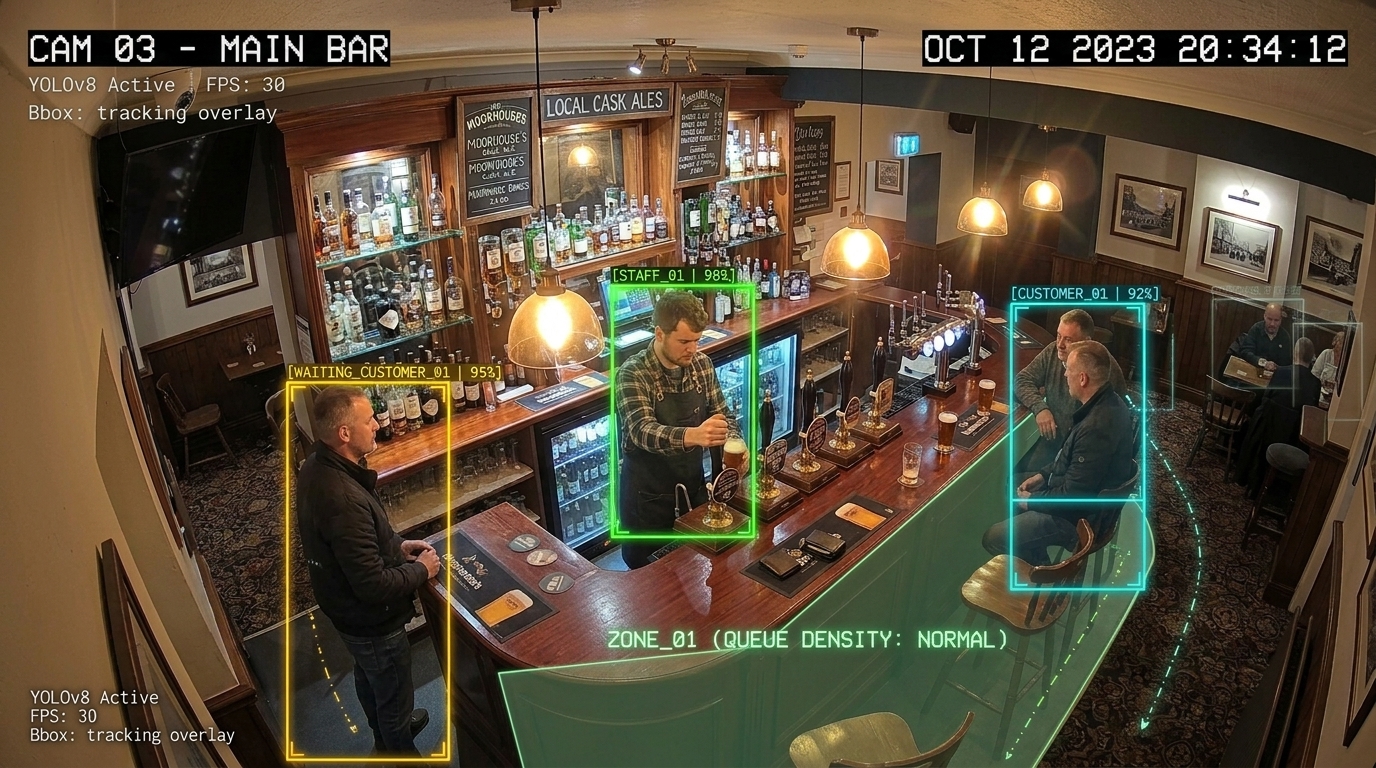 Waiting at the barQueues & capacity
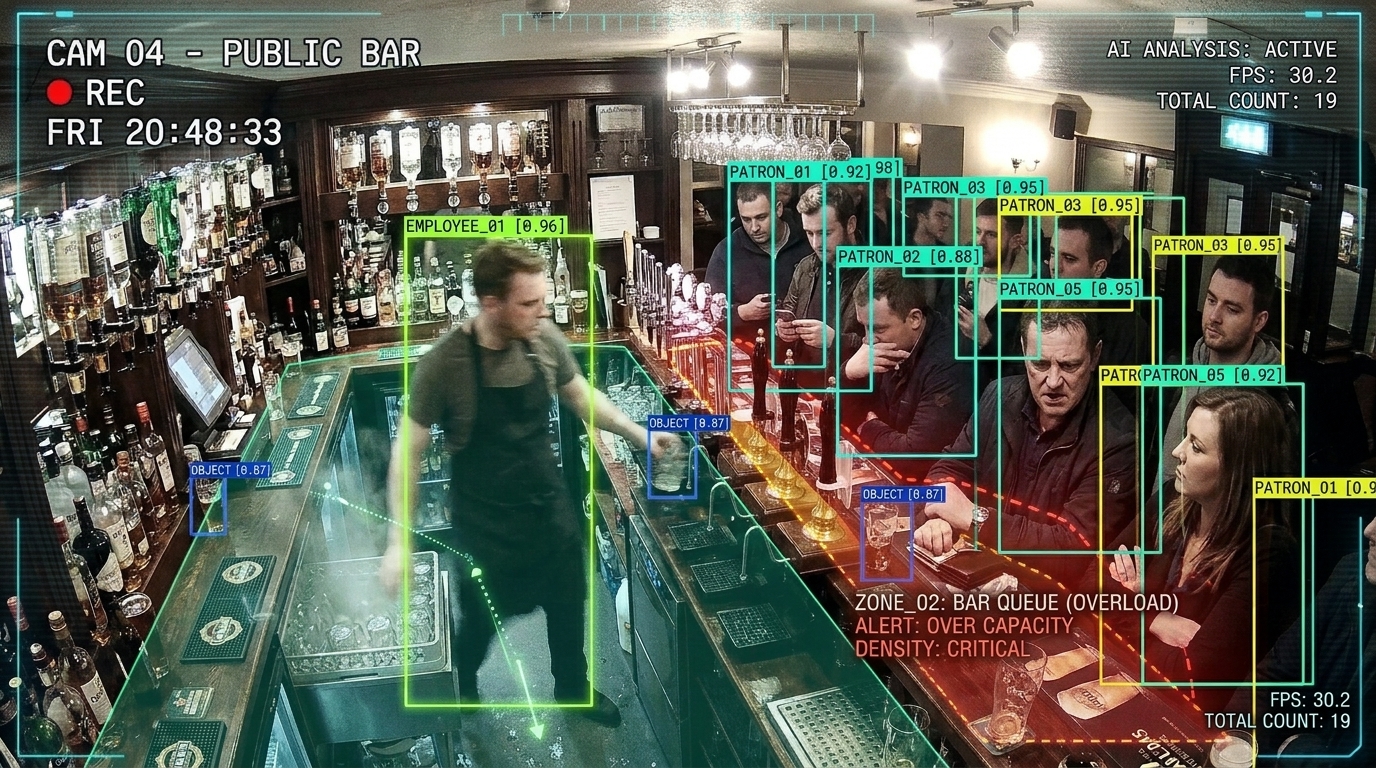 A busy service zoneQueues & capacity
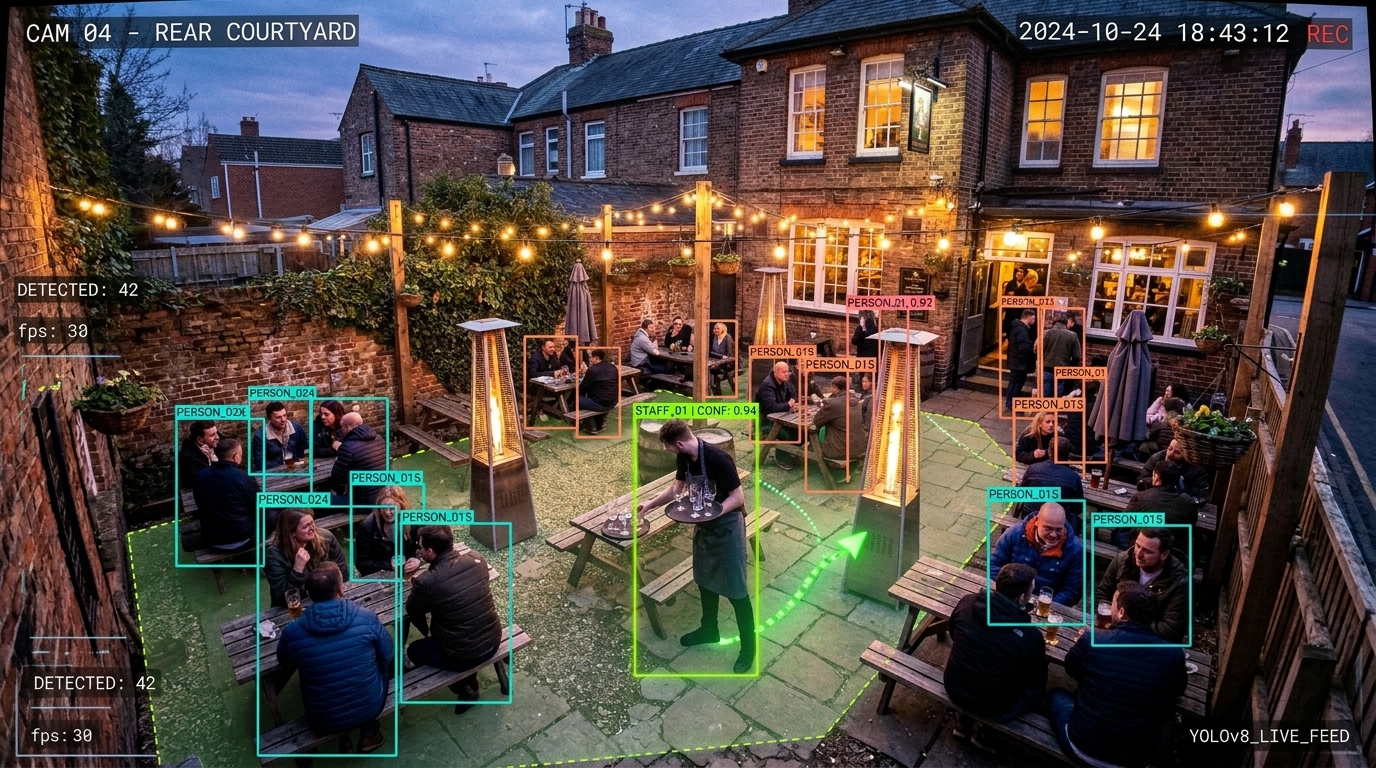 Garden service coverageCustomer service
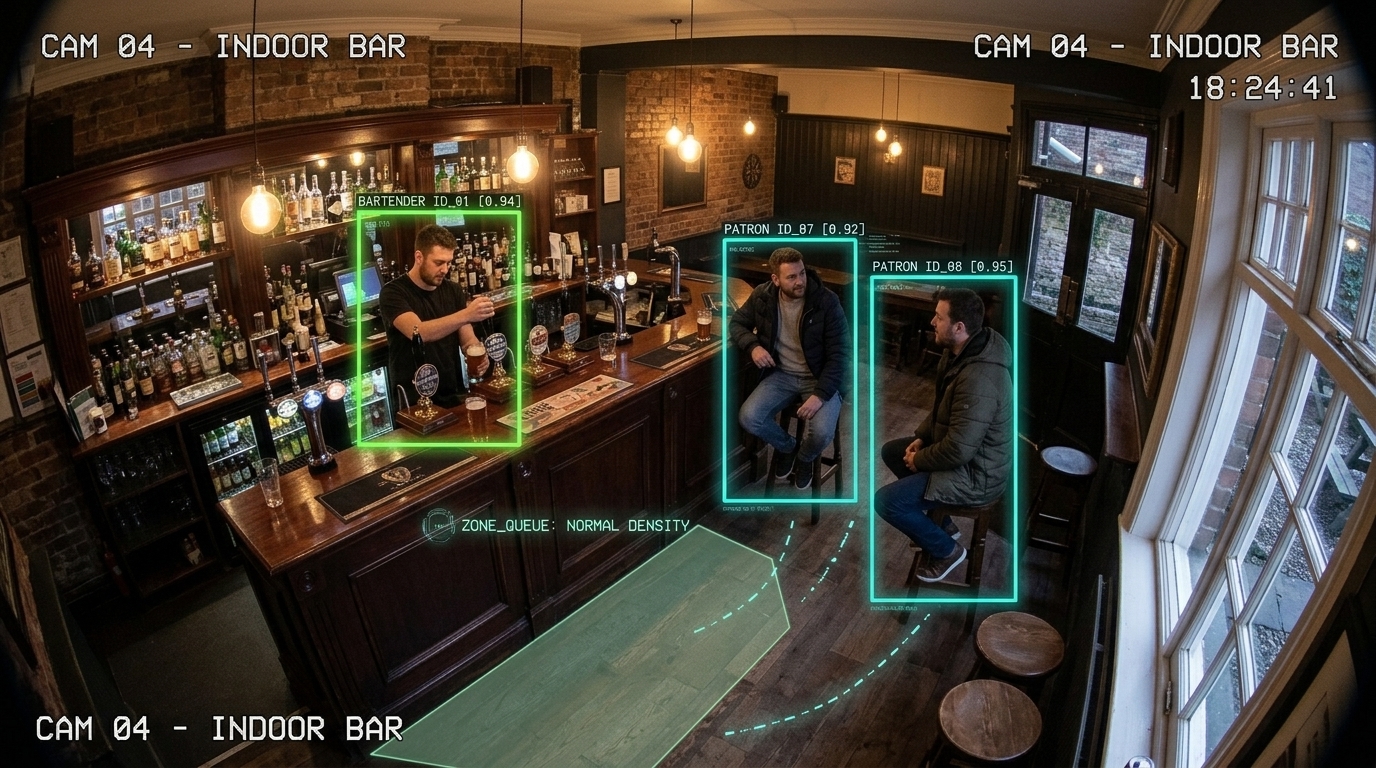 Indoor service coverageCustomer service
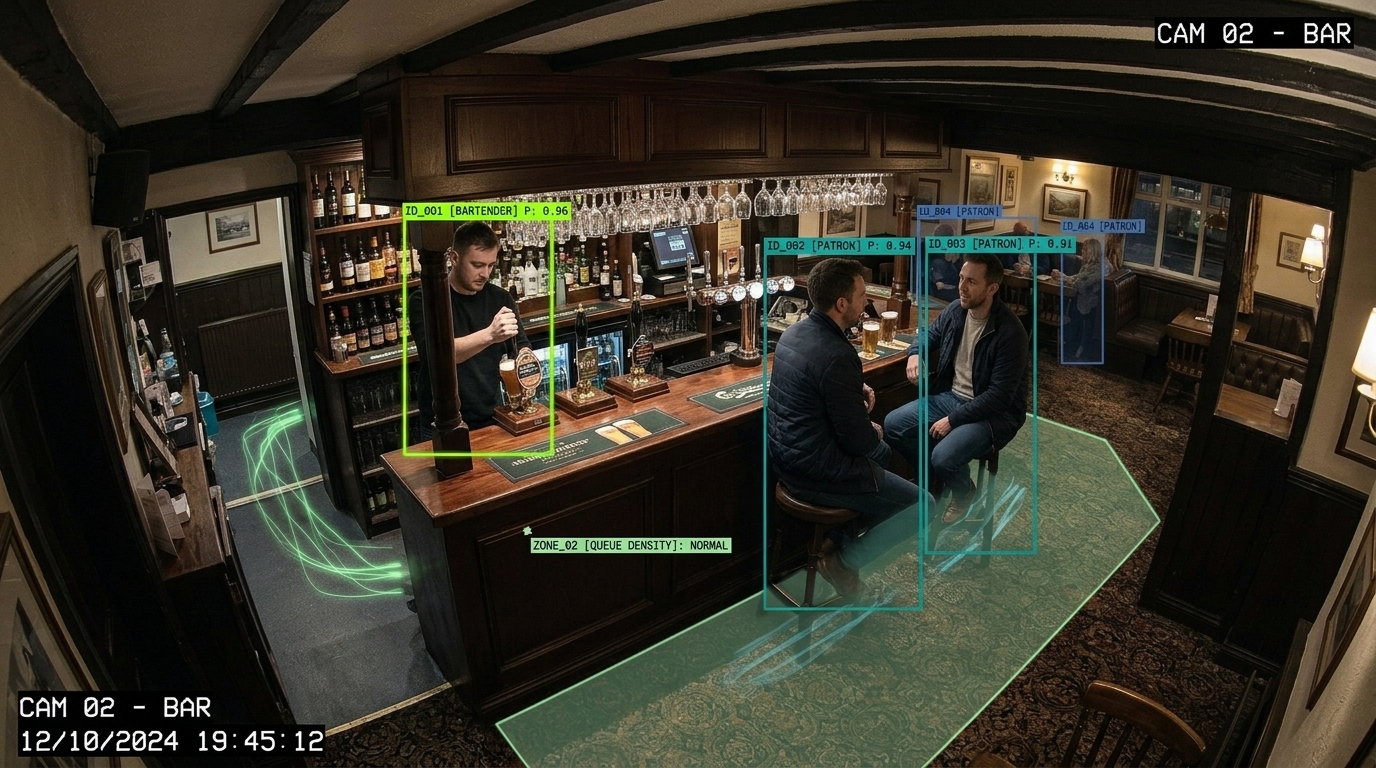 Table and bar contextCustomer service
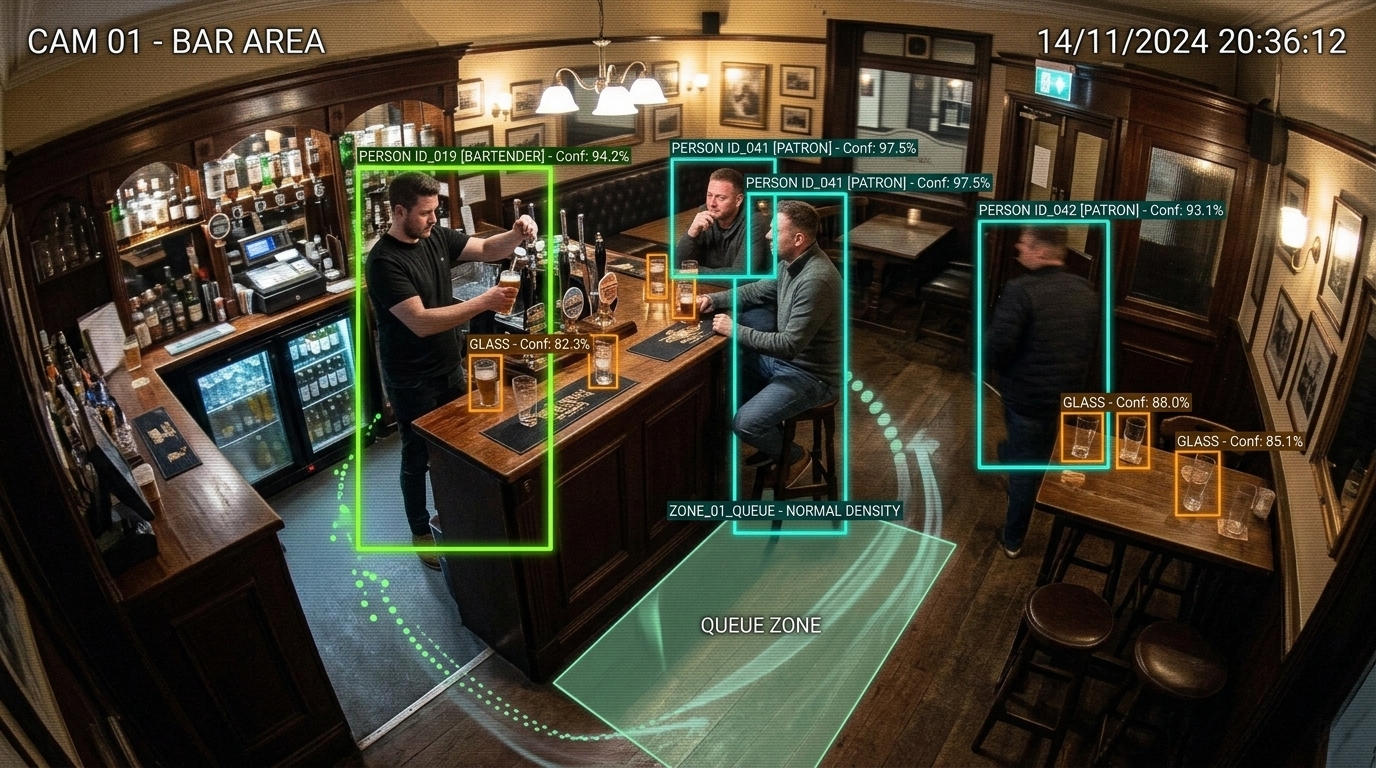 Lounge check-in opportunitiesCustomer service
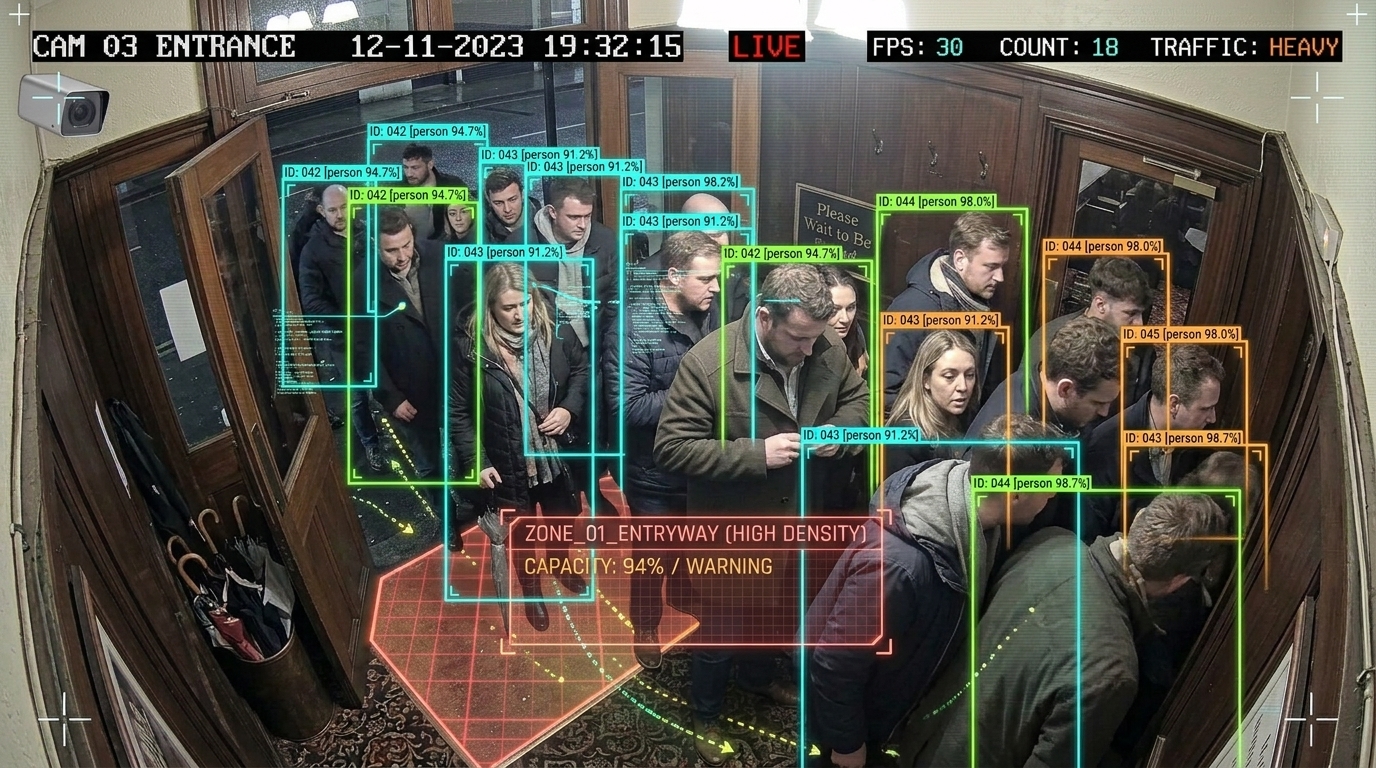 Entrance and capacityQueues & capacity
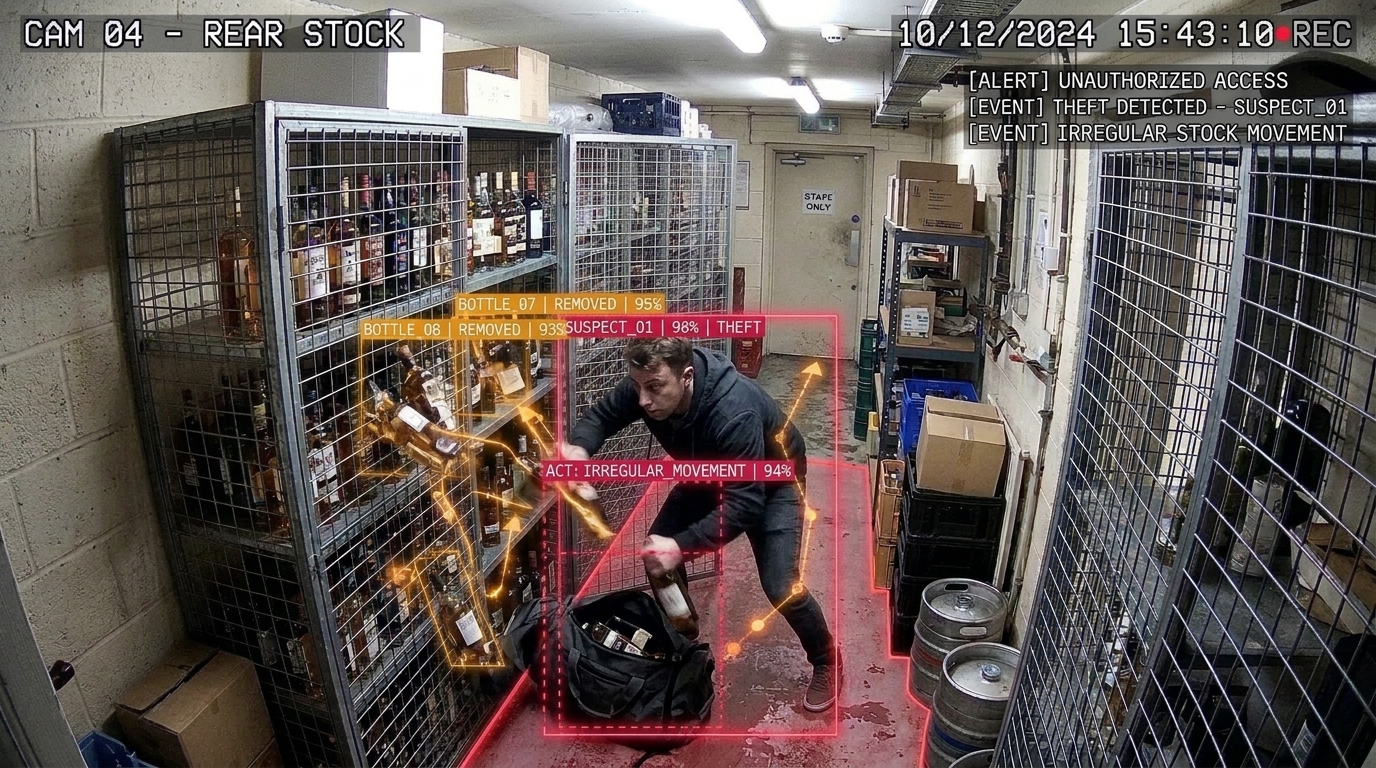 Stock-area reviewManager review
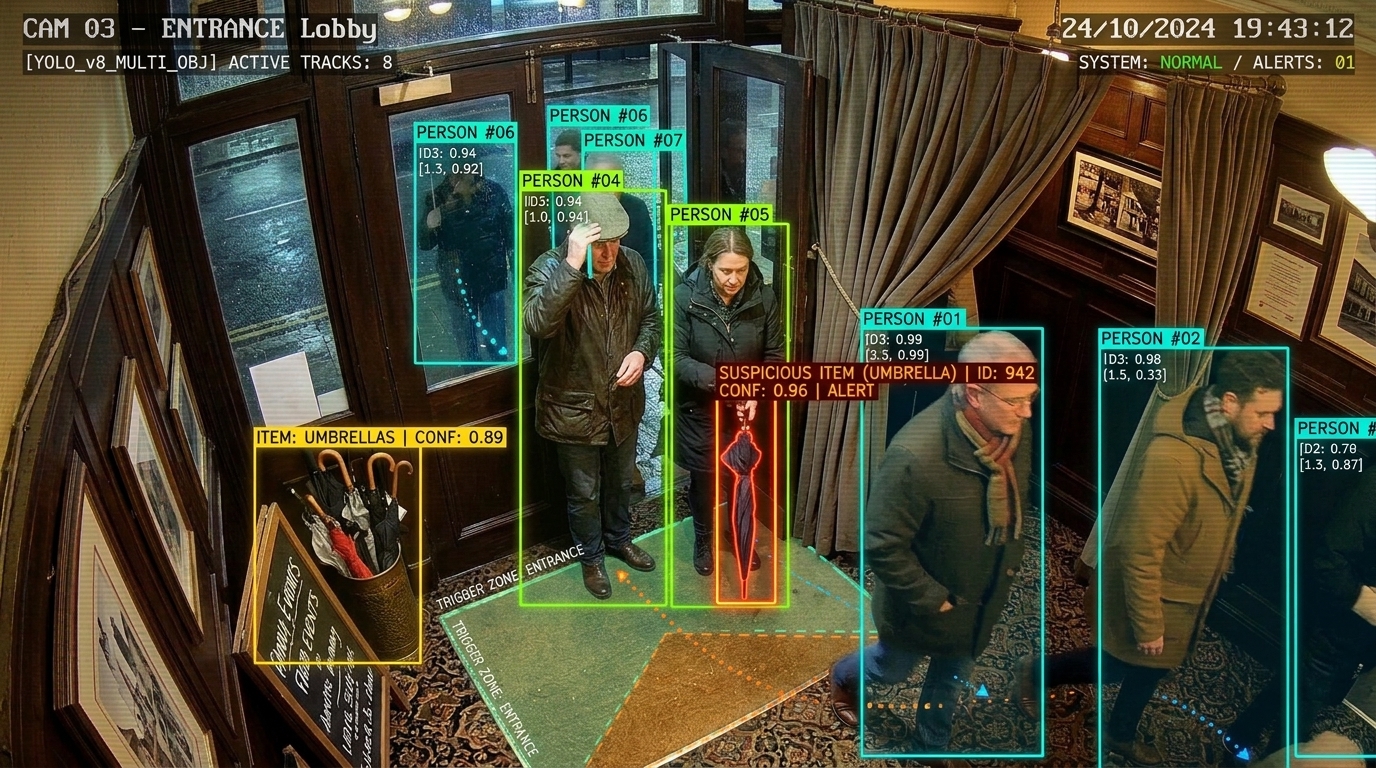 Entrance contextManager review
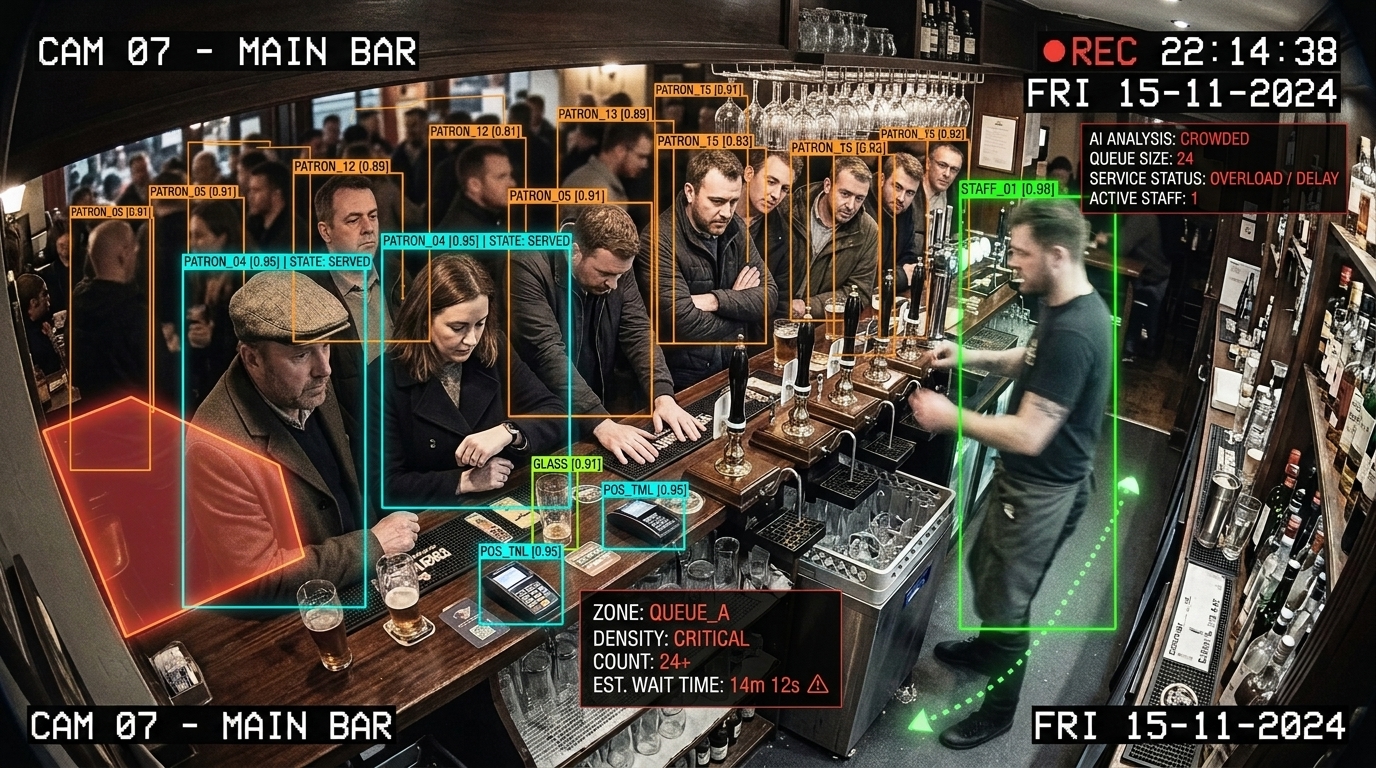 Queue awarenessQueues & capacity
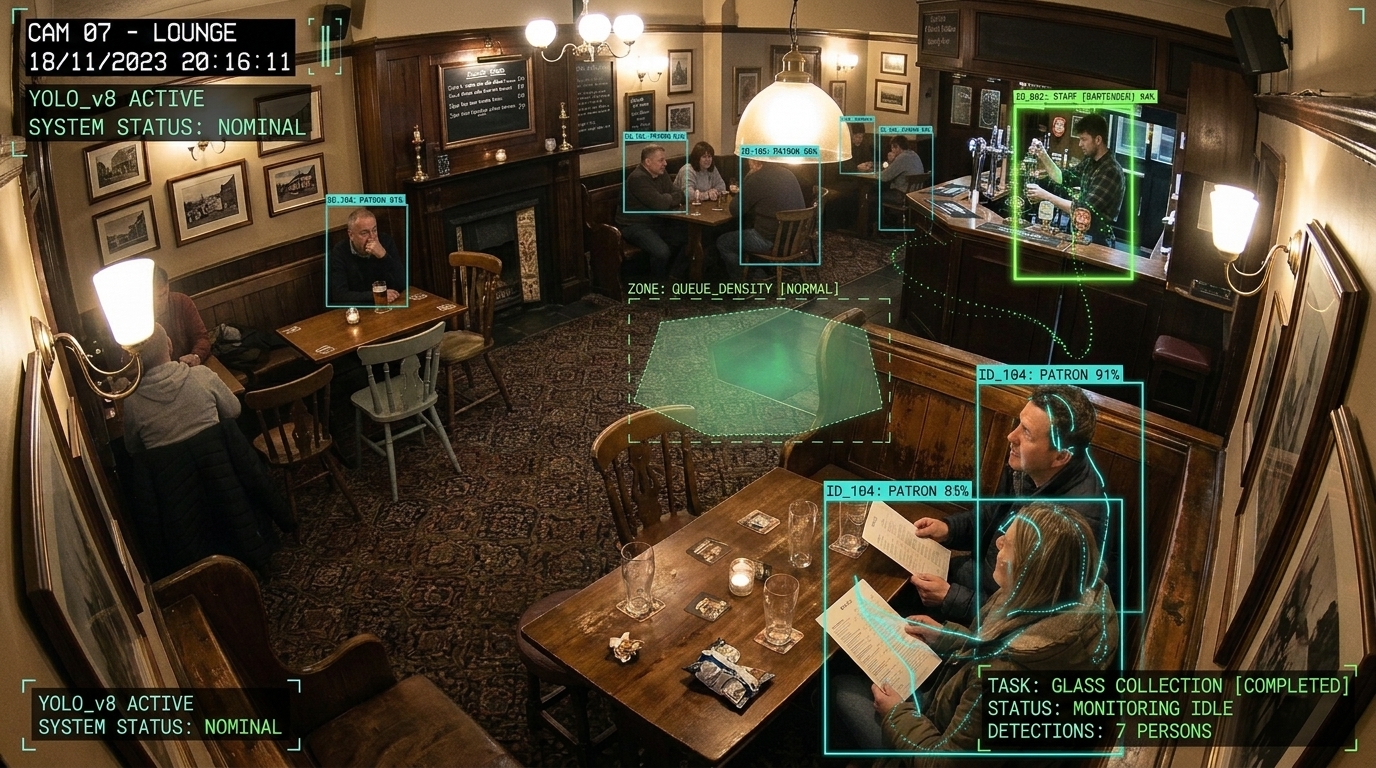 Floor service awarenessCustomer service
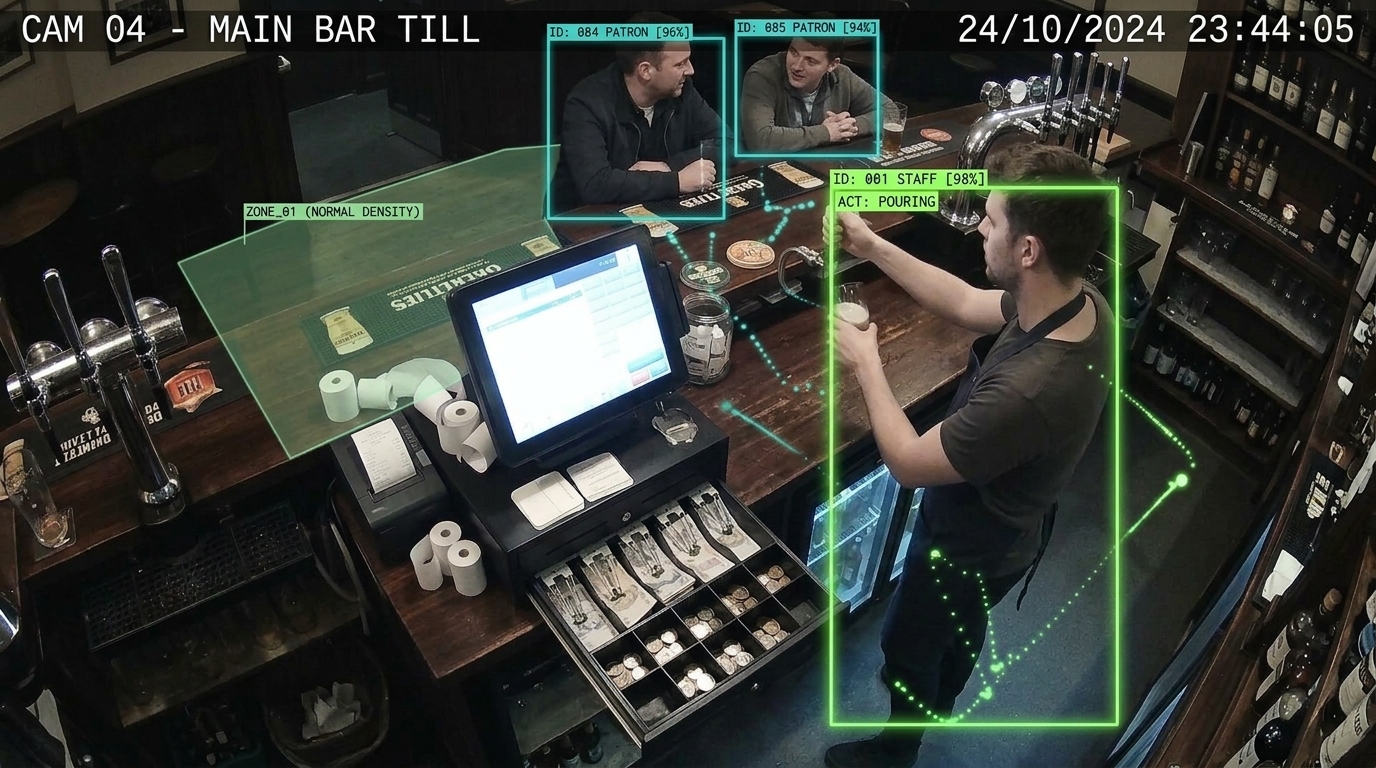 Till context for reviewManager review
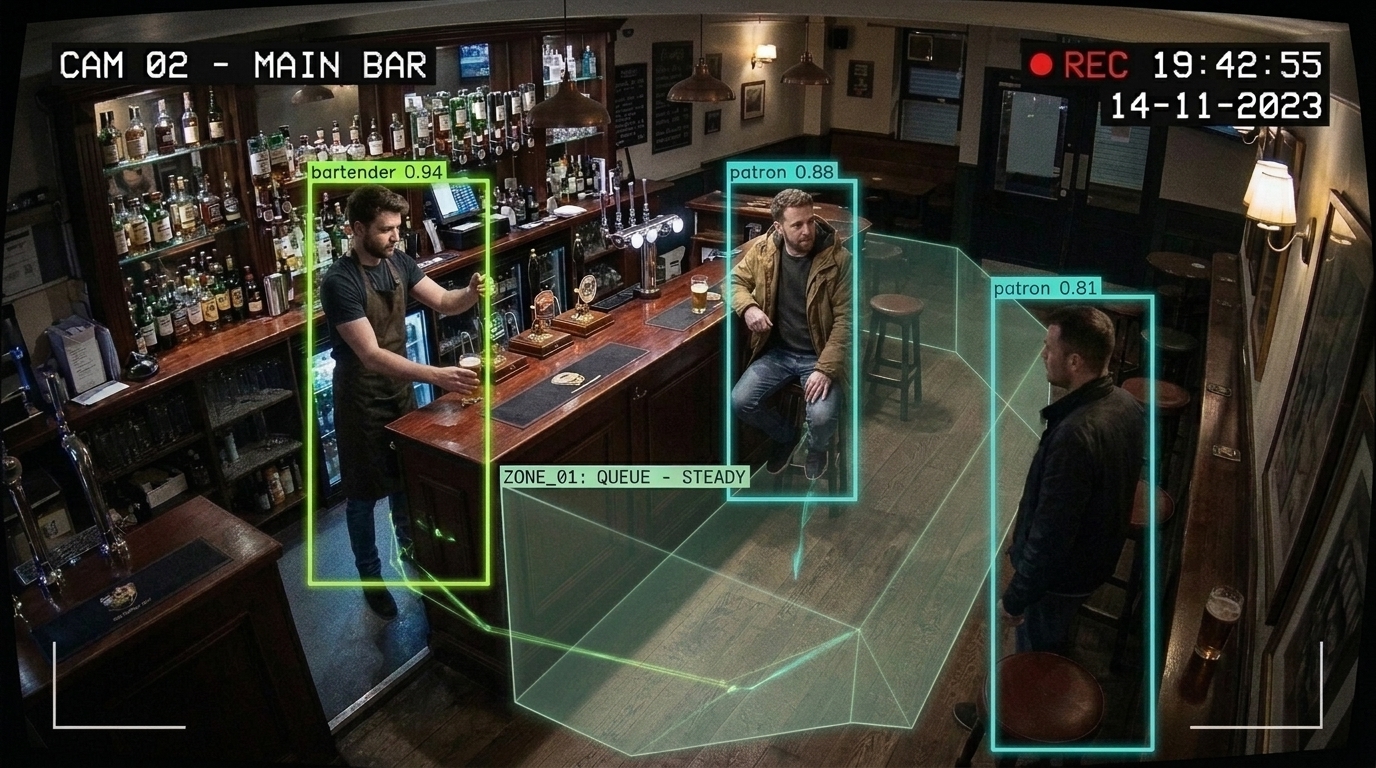 Staff and customer flowCustomer service
05 / Built around your premises
We begin with your existing cameras, recorder and network. Compatibility, camera position and image quality determine what can work; replacement hardware is considered only where it helps.
Review supported camera streams, your recorder and secure access.
Choose the zones, events, thresholds and operating hours that matter.
Route useful prompts to your team or agreed business systems.
Test real conditions, tune false alerts and agree access and retention.
We scope the purpose, notice to people, access and retention before launch. This example does not identify faces or infer emotions. Local processing and limited event sharing can be explored to suit your premises.
Start with one useful question